ישראל ימי עסקים מקבלת חשבונית עד למכס7-10 ימים – שחרור יחול על הלקוח.
DDP (מס בלו ומכס משולמים על ידי DigiKey)
חשבון אשראי עבור מוסדות ועסקים מאושרים
תשלום מראש בהעברה אלקטרונית
![]()
![]()
![]()
![]()


עוד מוצרים משותפים מורשים במלואם
זמן ממוצע למשלוח 1-3 ימים, ייתכן ויחולו דמי משלוח נוספים. אנא בדקו בדף המוצר, בעגלת הקניות ובסיום ההזמנה (Checkout) למהירות המשלוח בפועל.
Incoterms: CPT (מס בלו, מכס ומע"מ/מס החלים ישולמו בזמן המסירה)
לפרטים נוספים בקרו ב-עזרה ותמיכה
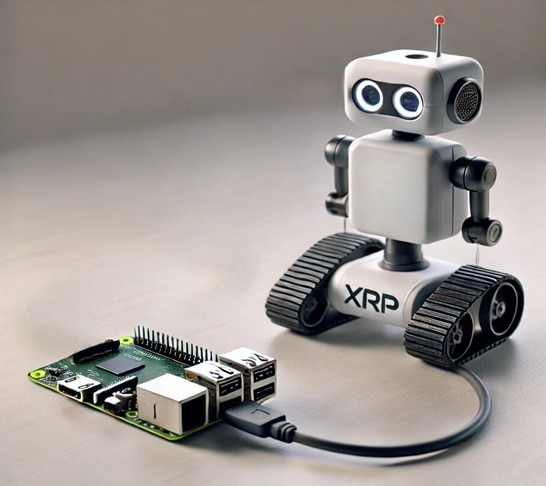
Learn how to control your XRP robot from anywhere with MQTT, Flask, and Raspberry Pi using a Google Cloud-hosted server.
Control your XRP robot with ease! Set up a Raspberry Pi-powered Flask server for seamless robot movements via a web interface.
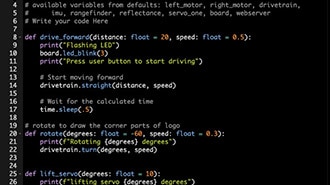
Learn to customize and program your XRP robot, from adding rotating claws to simulating complex tasks. Ideal for students, hobbyists, and robotics enthusiasts!
Discover how to set up the Kitronik Mini Controller for your XRP robot using MicroPython, including detailed code and instructions.
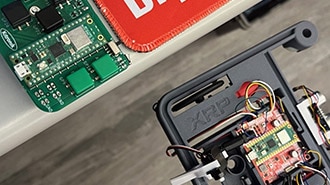
Learn how to transfer data between Raspberry Pi and the Pico on your XRP using UART serial communication.
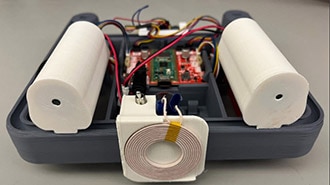
Learn to create a wireless charging circuit for your XRP robot using Li-ion batteries and Adafruit boards to ensure your robot is always ready to go.
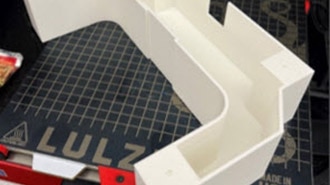
Upgrade your XRP robot with a custom charging dock. This guide covers design inspiration, CAD modeling, and 3D printing.
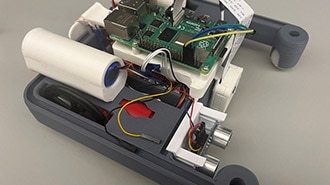
This robot allows one to build coding skills from a beginner's level to an advanced level. It allows hands-on experience and important problem-solving skills.
Discover the innovative projects and creative minds at Open Sauce 2024. Join us as we explore the highlights and standout exhibits.
Take a behind-the-scenes look at the intricate process of crafting an oversized XRP model destined for the spotlight.
This guide demonstrates how to add a custom object detection machine learning model to the XRP robot.
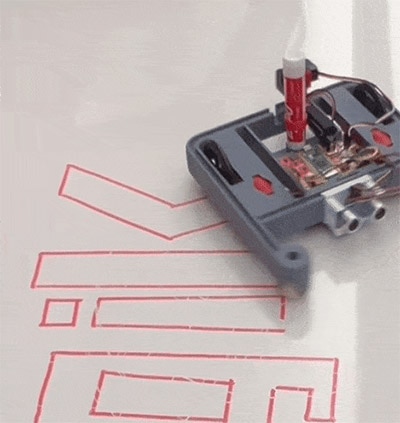
Empower your robot with an ingenious Fusion 360 design for a 3D-printed marker holder. Elevate your maker skills and ensure precision in your robotics project.
דפדוף-משותף
על ידי שימוש במאפיין דפדוף-משותף, אתם מסכימים לאפשר לנציג התמיכה של DigiKey לצפות מרחוק בדפדפן שלכם. כאשר חלון הדפדוף-משותף נפתח, תנו לנציג את מזהה הסשן (Session ID) שנמצא בסרגל הכלים.
DigiKey מכבדת את זכותכם לפרטיות. לפרטים נוספים אנא עיינו בהודעת הפרטיות ובהודעת קובצי Cookieשלנו.
כן, המשיכו לדפדוף-משותףתודה רבה!
עקבו אחר תיבת הדואר הנכנס שלכם לחדשות ועדכונים מ- DigiKey!
אנא הזינו כתובת אימייל
אנא אשרו את תיבת הסימון