ישראל ימי עסקים מקבלת חשבונית עד למכס7-10 ימים – שחרור יחול על הלקוח.
DDP (מס בלו ומכס משולמים על ידי DigiKey)
חשבון אשראי עבור מוסדות ועסקים מאושרים
תשלום מראש בהעברה אלקטרונית
![]()
![]()
![]()
![]()


עוד מוצרים משותפים מורשים במלואם
זמן ממוצע למשלוח 1-3 ימים, ייתכן ויחולו דמי משלוח נוספים. אנא בדקו בדף המוצר, בעגלת הקניות ובסיום ההזמנה (Checkout) למהירות המשלוח בפועל.
Incoterms: CPT (מס בלו, מכס ומע"מ/מס החלים ישולמו בזמן המסירה)
לפרטים נוספים בקרו ב-עזרה ותמיכה
The Qwiic Atmospheric Sensor (BME280) is an updated board revision of our Atmospheric Sensor Breakout- BME280 to make it Qwiic compatible.
Learn how to install Windows 11 on Raspberry Pi 4 and Pi 5. Step-by-step tutorial with WoR setup, UEFI configuration, and performance tips for 2025.
Capture celestial events with a DIY AllSky camera. Build with Raspberry Pi, a fish-eye lens, and AllSky software.
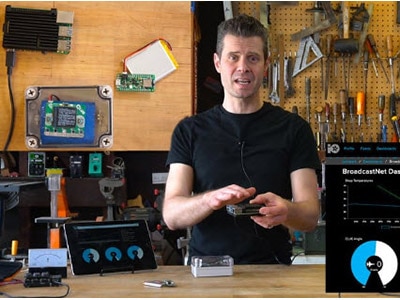
Send data from Bluetooth LE sensors to Adafruit IO with a Raspberry Pi bridge.
Capture time in motion with a Raspberry Pi time-lapse camera: Step-by-step guide to building your own setup. Capture the world in motion!
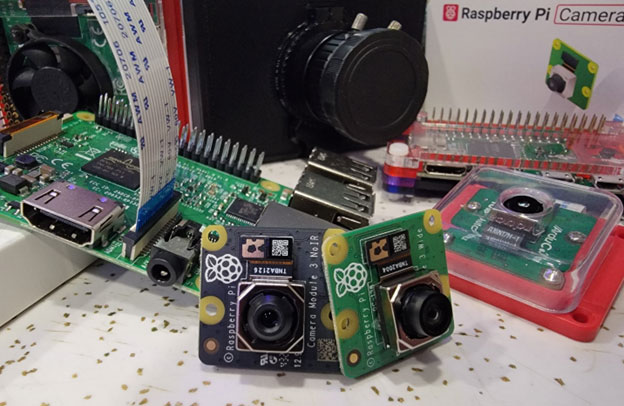
Learn how to stream live video with any CSI connected Raspberry Pi camera on Bullseye for web streaming, security surveillance, or integrate with Frigate NVR.
Node-RED differs from typical programming environments and flow-based Arduino block editors by focusing instead on messages, passing values, and processing data.
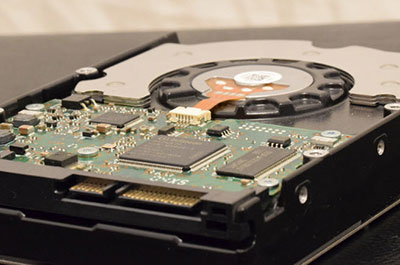
Projects such as personal media-streaming servers, NAS devices, and homemade game consoles may benefit from additional external data storage.
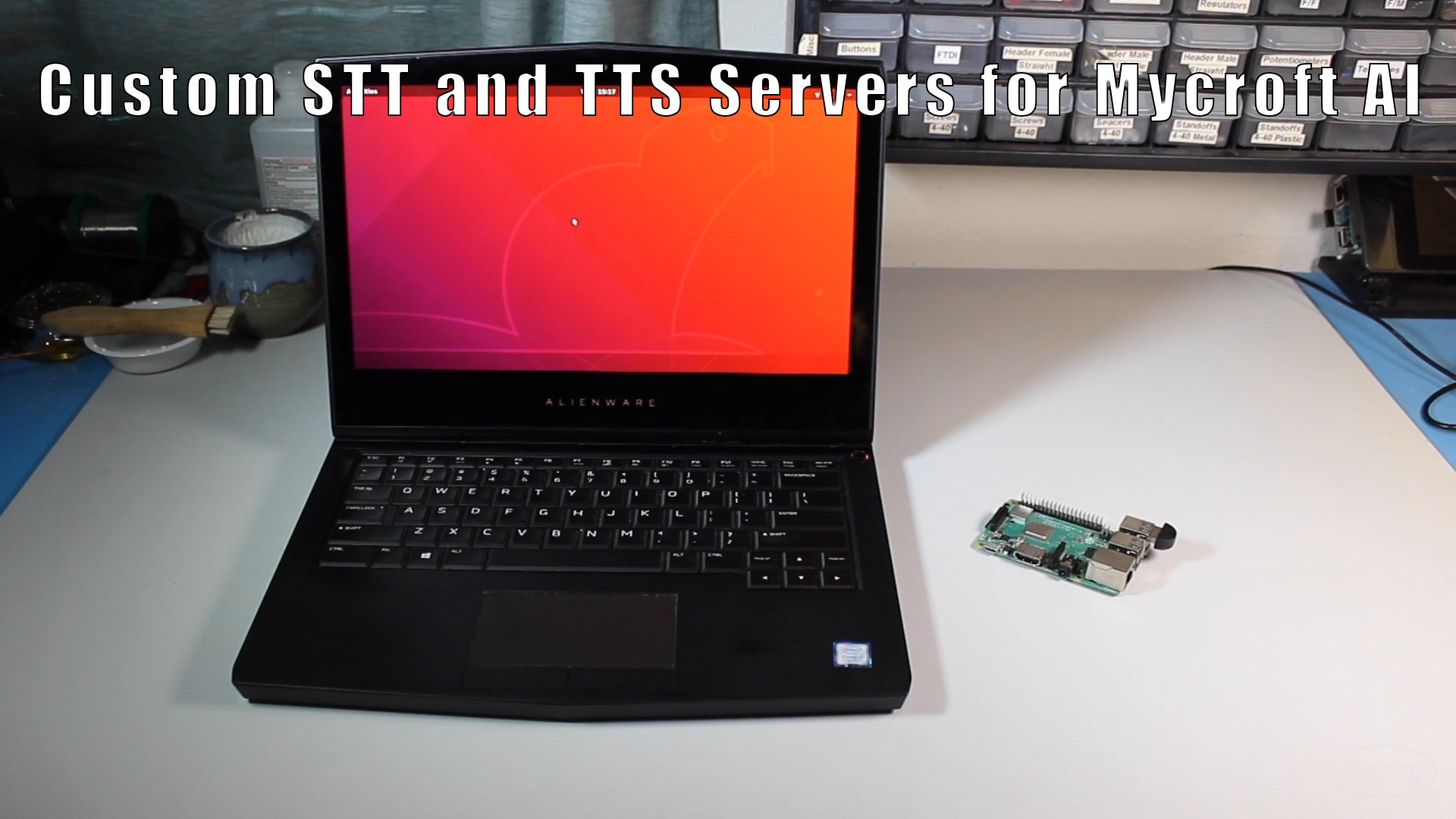
How to run Mozilla DeepSpeech and TTS services on a local computer for Mycroft AI
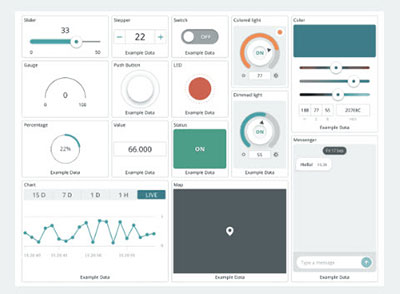
The Arduino Cloud is a toolbox that includes easy-to-use tools that help you create, monitor, and update connected IoT projects across their entire lifecycle.
This tutorial will walk you through the process of setting up a virtual machine to train a custom wake word for Mycroft AI
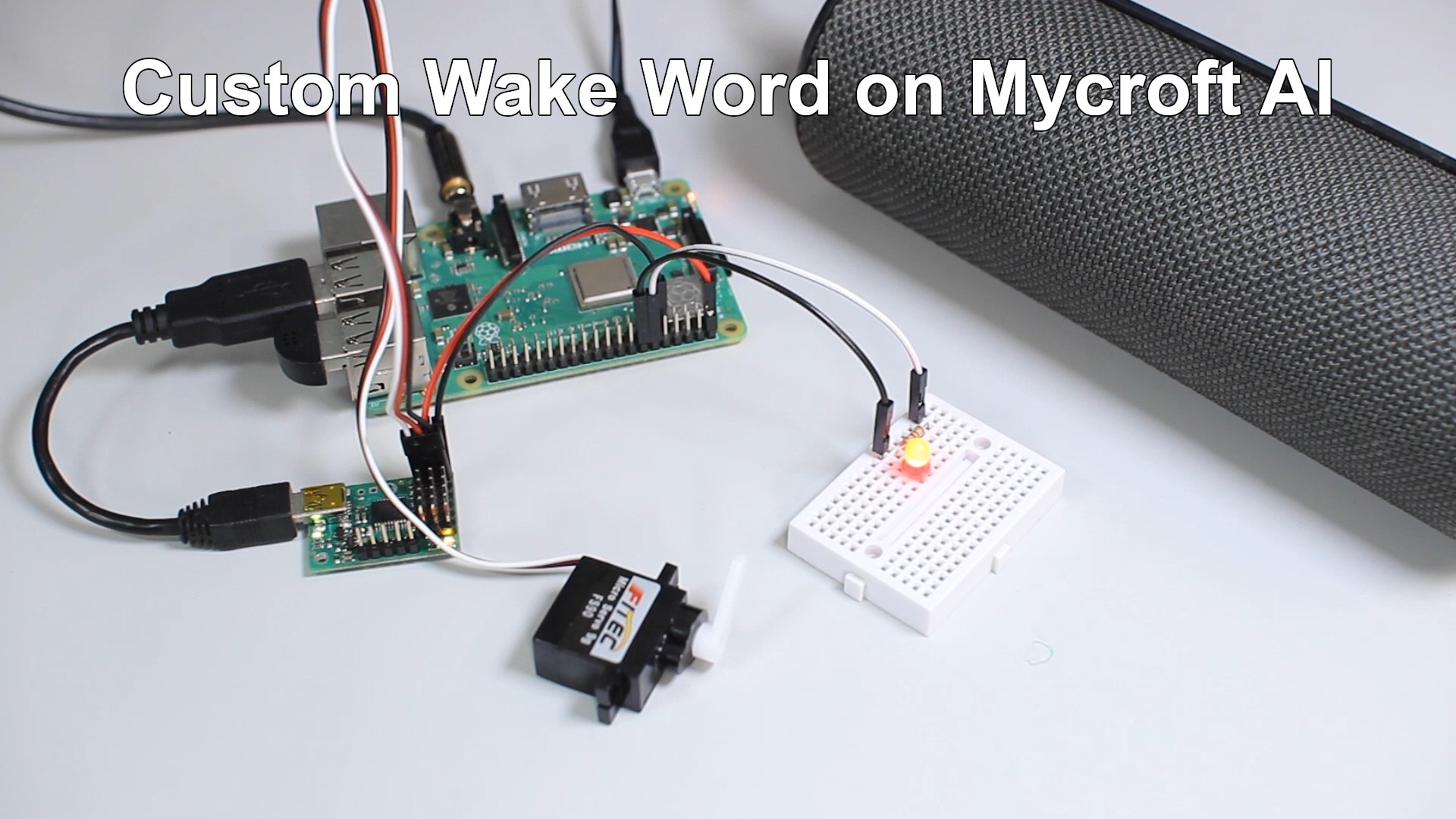
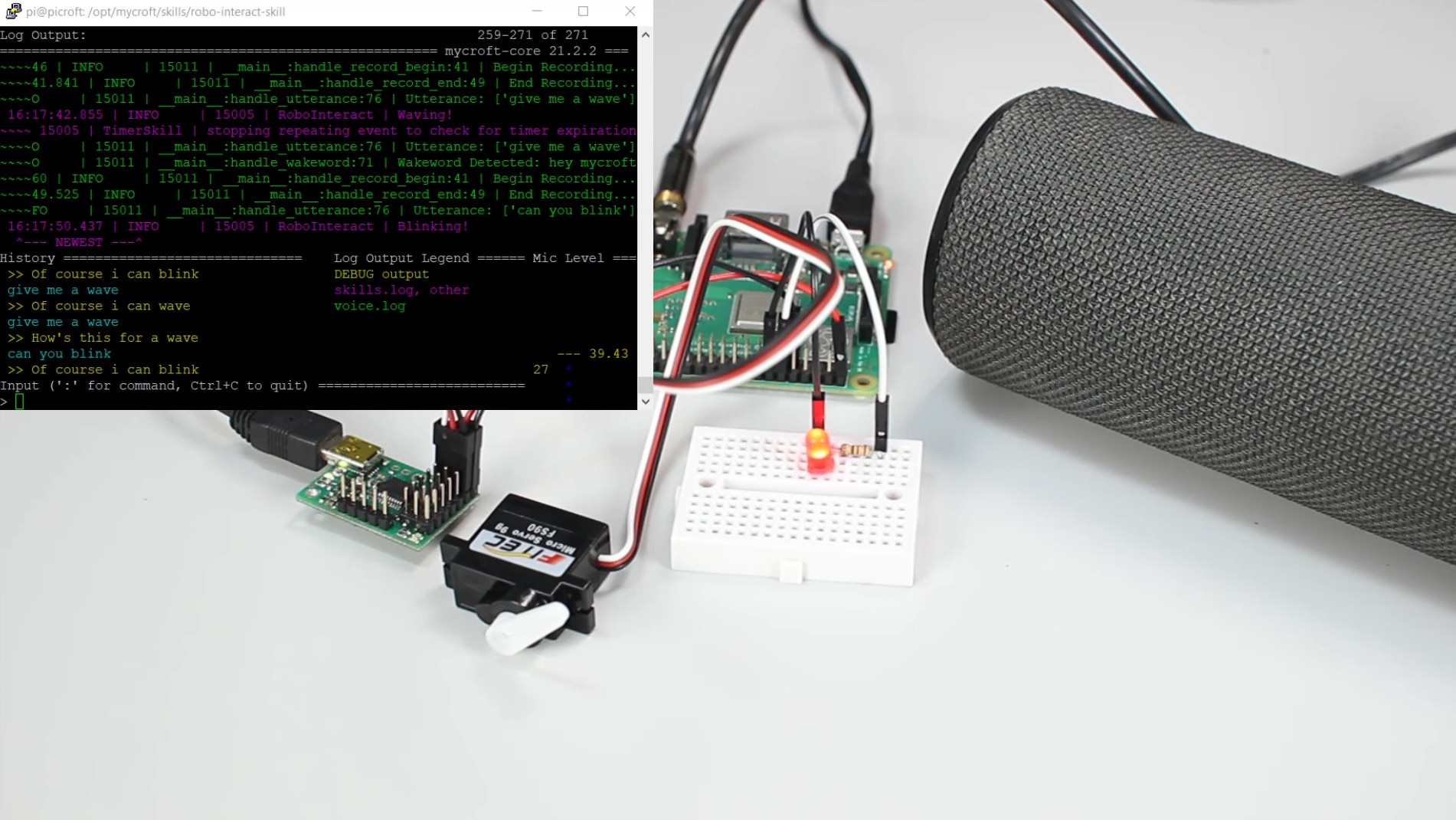
This tutorial will show you how to create a custom skill that controls hardware for the Mycroft AI voice assistant program on a Raspberry Pi
דפדוף-משותף
על ידי שימוש במאפיין דפדוף-משותף, אתם מסכימים לאפשר לנציג התמיכה של DigiKey לצפות מרחוק בדפדפן שלכם. כאשר חלון הדפדוף-משותף נפתח, תנו לנציג את מזהה הסשן (Session ID) שנמצא בסרגל הכלים.

DigiKey מכבדת את זכותכם לפרטיות. לפרטים נוספים אנא עיינו בהודעת הפרטיות ובהודעת קובצי Cookieשלנו.
כן, המשיכו לדפדוף-משותףתודה רבה!
עקבו אחר תיבת הדואר הנכנס שלכם לחדשות ועדכונים מ- DigiKey!
אנא הזינו כתובת אימייל
אנא אשרו את תיבת הסימון